Recording the Training Room from the Trainer's Desktop
Trainers have the ability to capture the Training Room along with each participant's desktop. This functionality is handy for revisiting lesson material, or documenting any challenges students face during a session. The recordings can be a valuable resource for your own reference notes or for assisting development staff when troubleshooting issues.
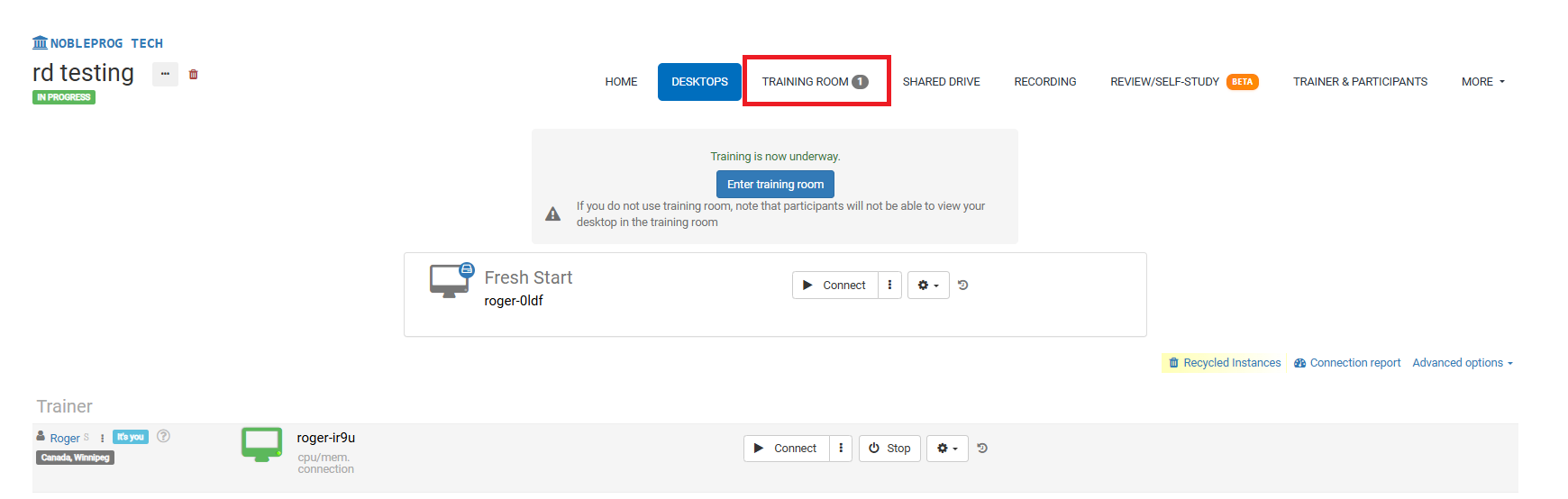
Training Room View:
Recording Button
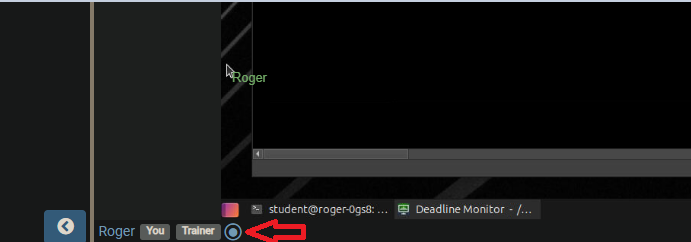
Upon entering the Training Room, look for the recording button at the bottom of the screen. The following screenshot shows its placement next to your name and user tags.
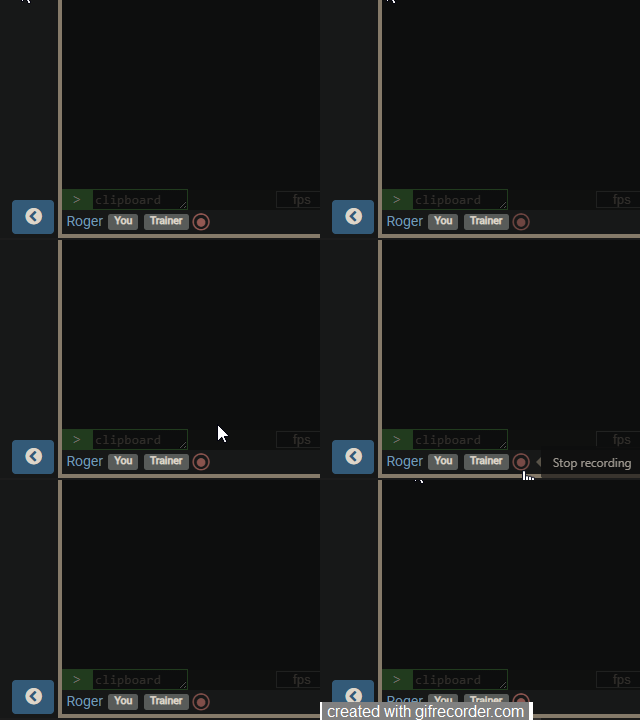
When you enable recording, the session begins capturing and the button will pulse with a slow red blink. To end the recording, simply click the button once more.
Accessing Recordings
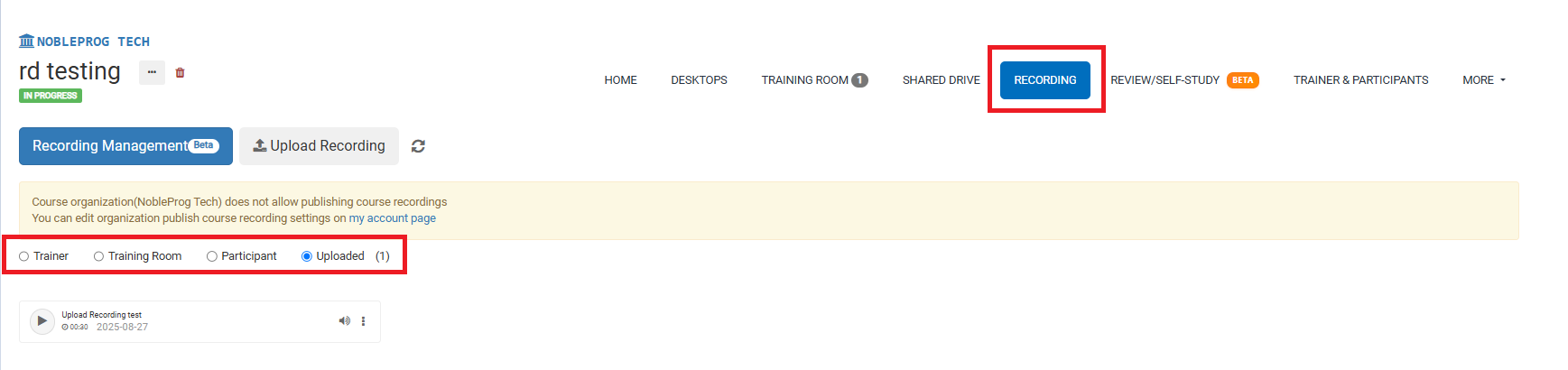
From the course page, you can find all your recordings by selecting the `Recordings` tab. From there, you'll be able to choose the specific type of recording you'd like to review.