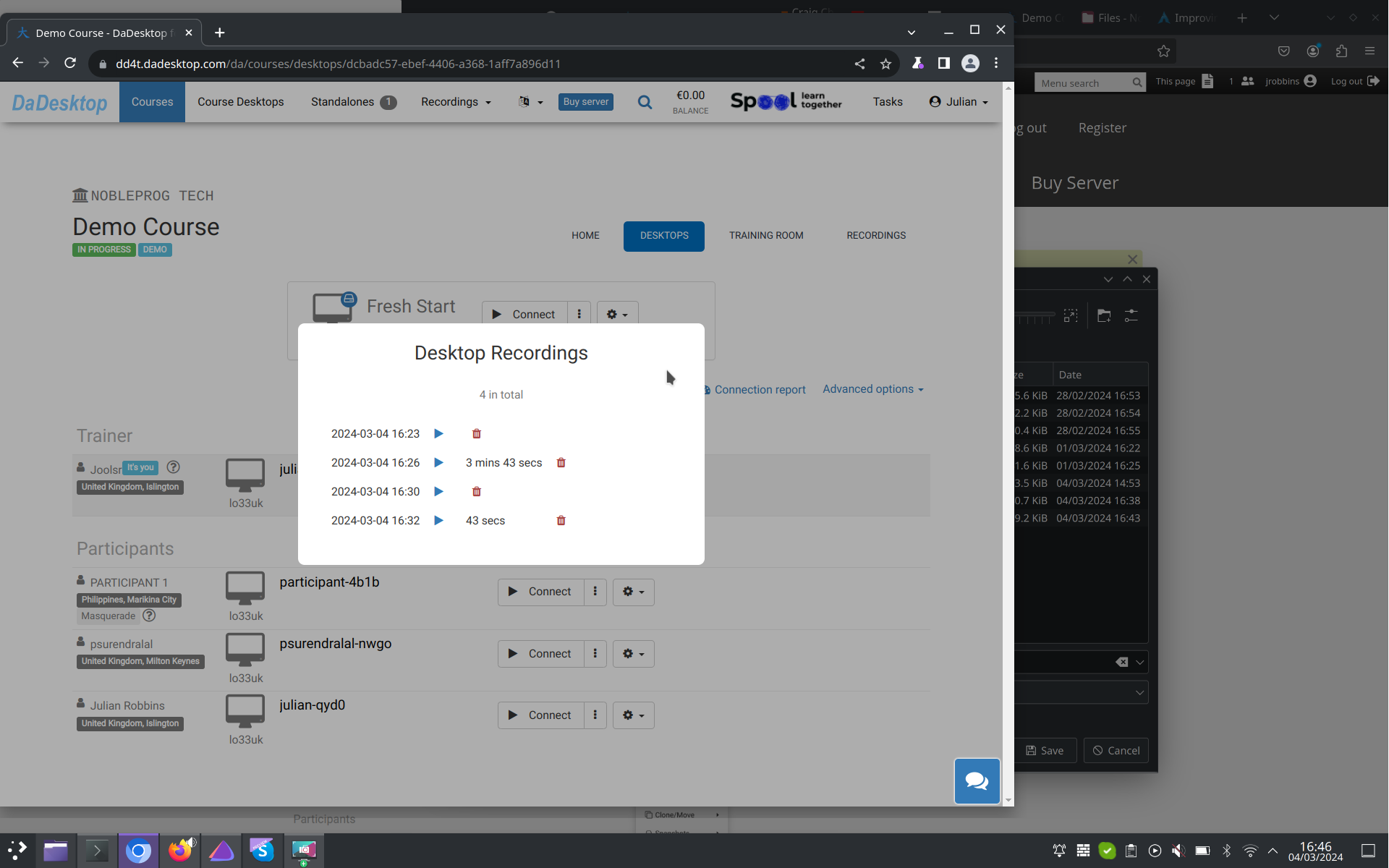
Auto-Session recording
The Trainer's Desktop starts recording automatically as soon as you step into the training room.
To end the recording, simply hit the "red-recording" button once more.
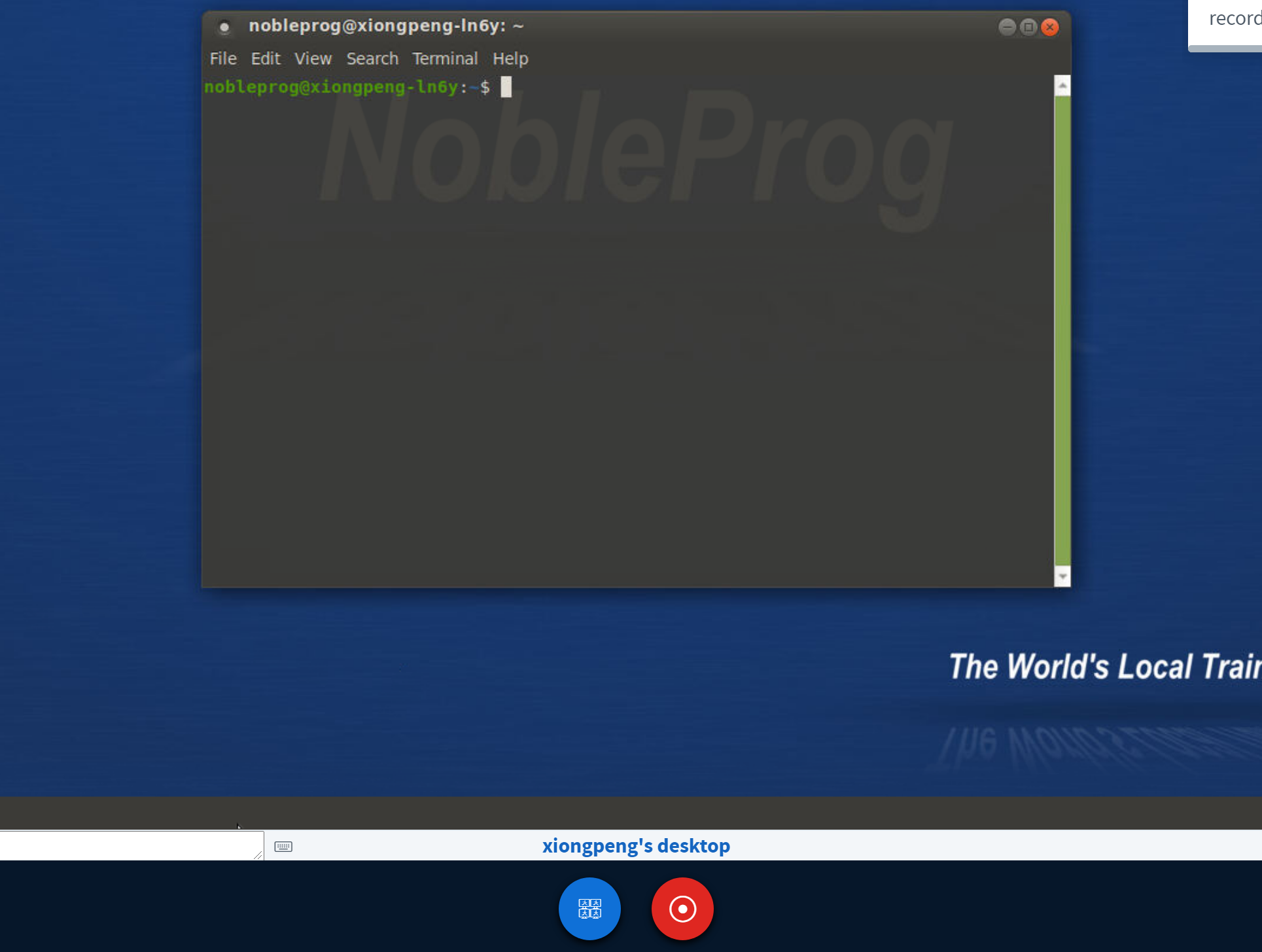
You can access your recordings under "Trainer's Recordings" within your course.
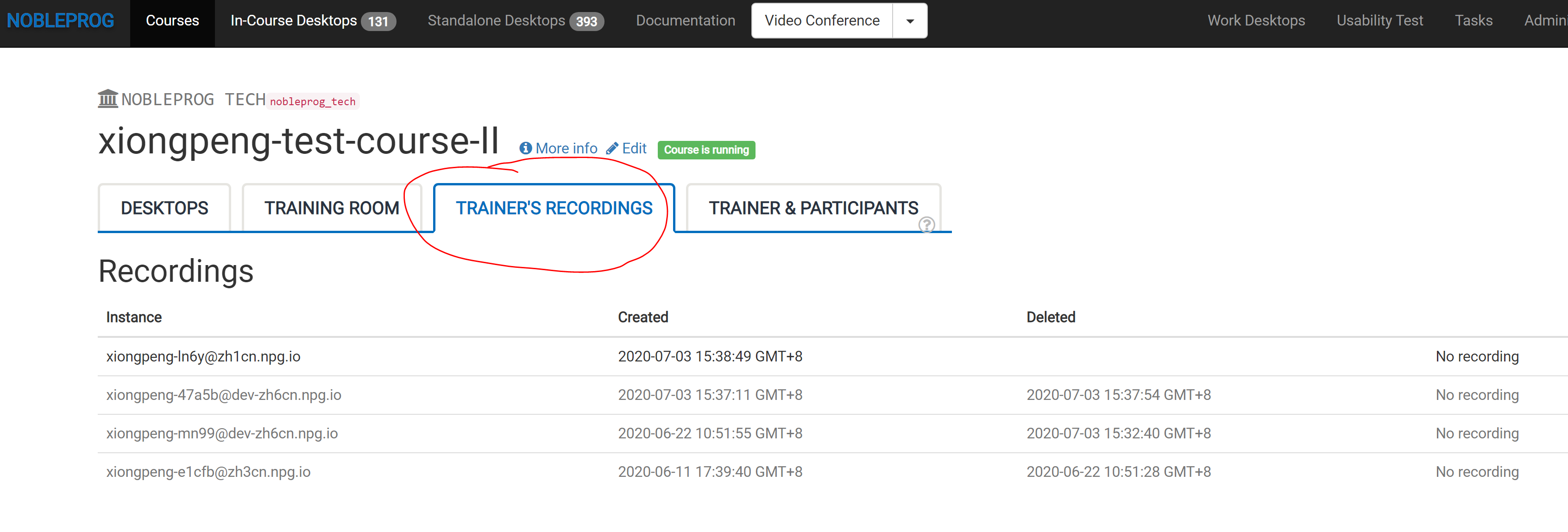
Check out the Auto-Session recording of the Trainer's Desktop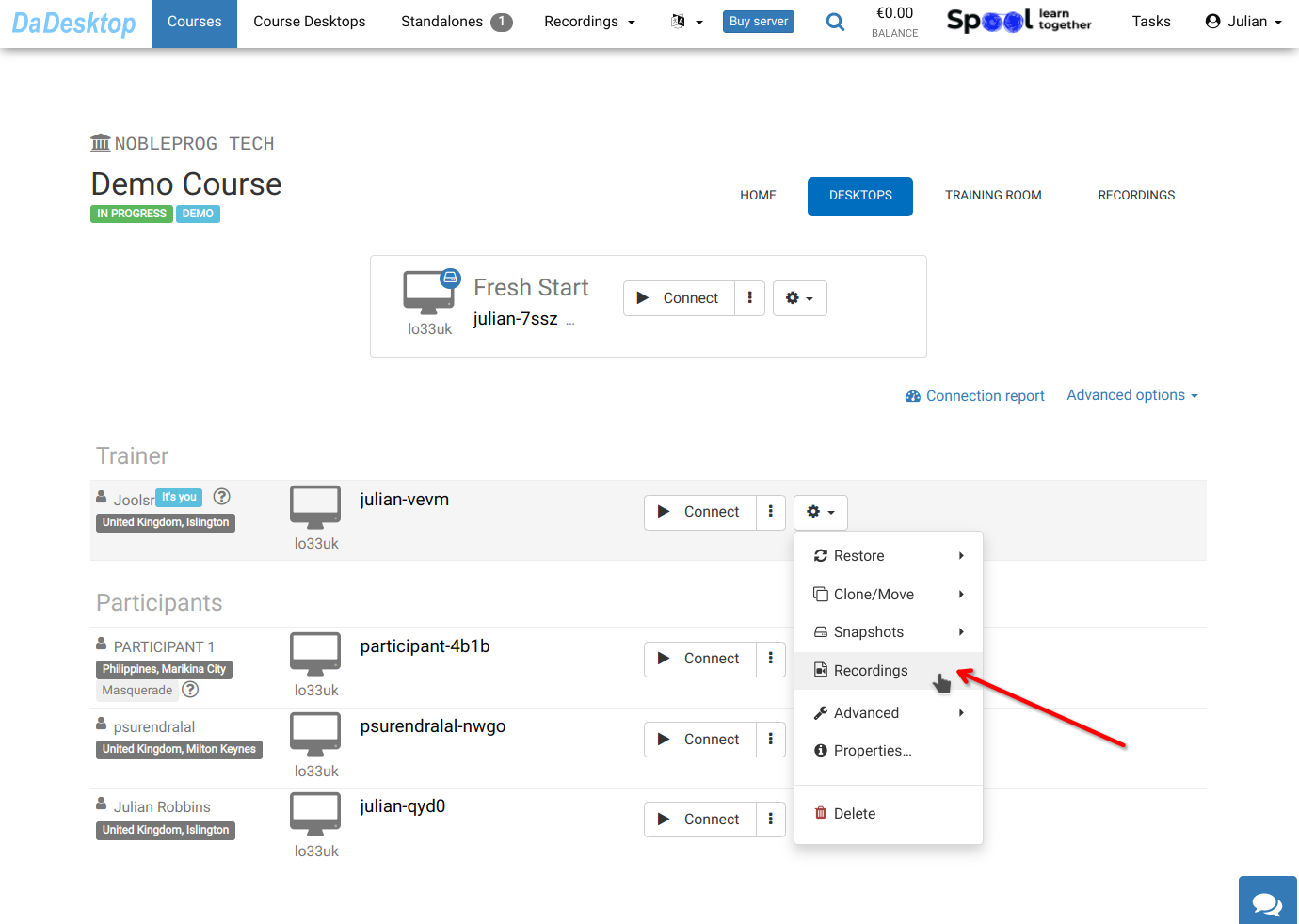
Find your recordings in the "Recordings" area. From there, you can review them and delete them if necessary.