Course Chat
The Course Chat feature enables trainers, participants, and support staff to communicate in real time during a live session. It’s built right into the training room.
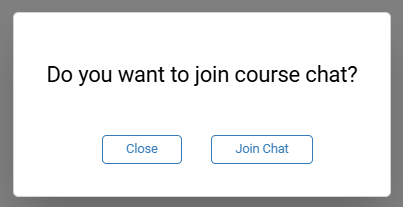
Join the conversation by entering the training room. You’ll be immediately prompted to hop into the course chat.
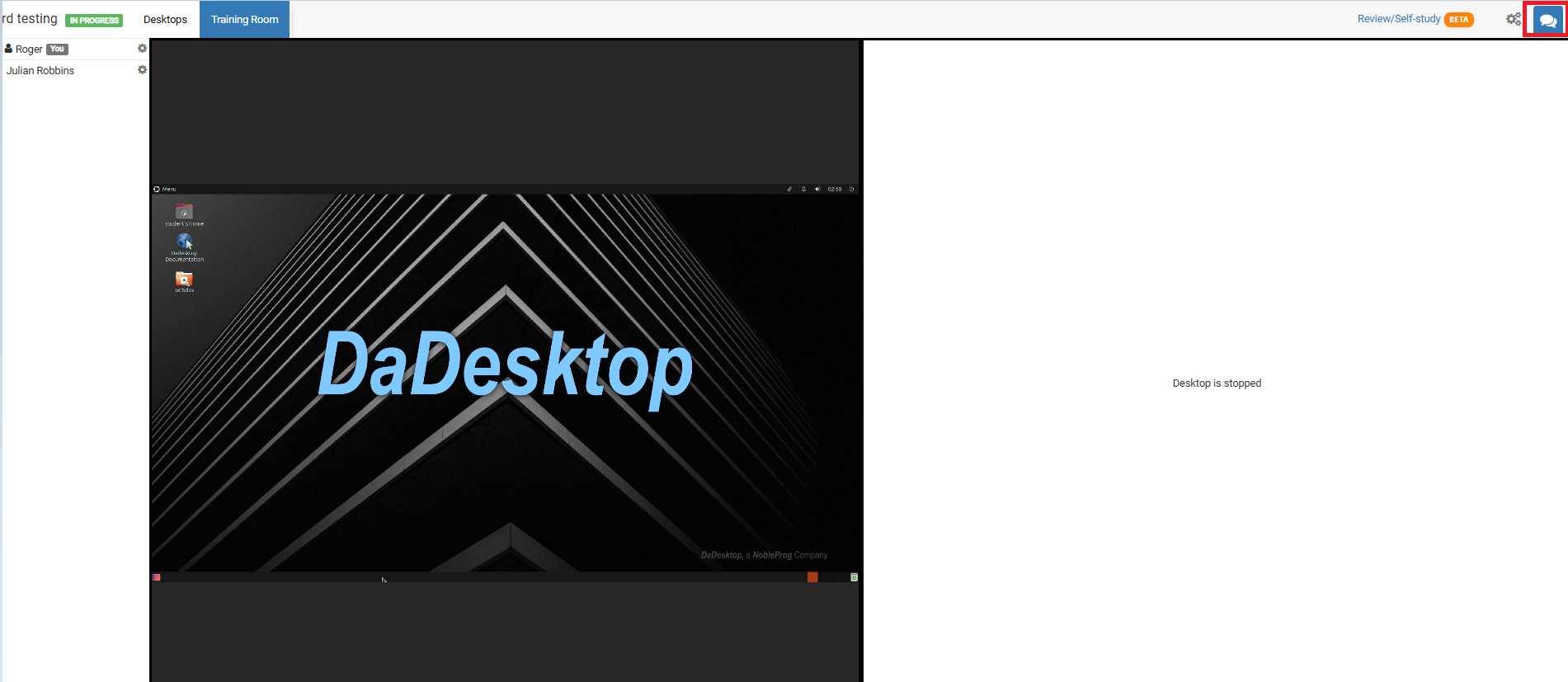
For future access, simply click the chat icon at the top‑right corner of the training room.
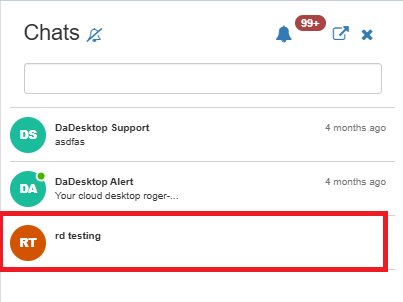
Once you click it, the chat panel slides open on the left and your course appears in the list. To hear a notification sound whenever a new message arrives, turn on alerts from the top of the chat interface.