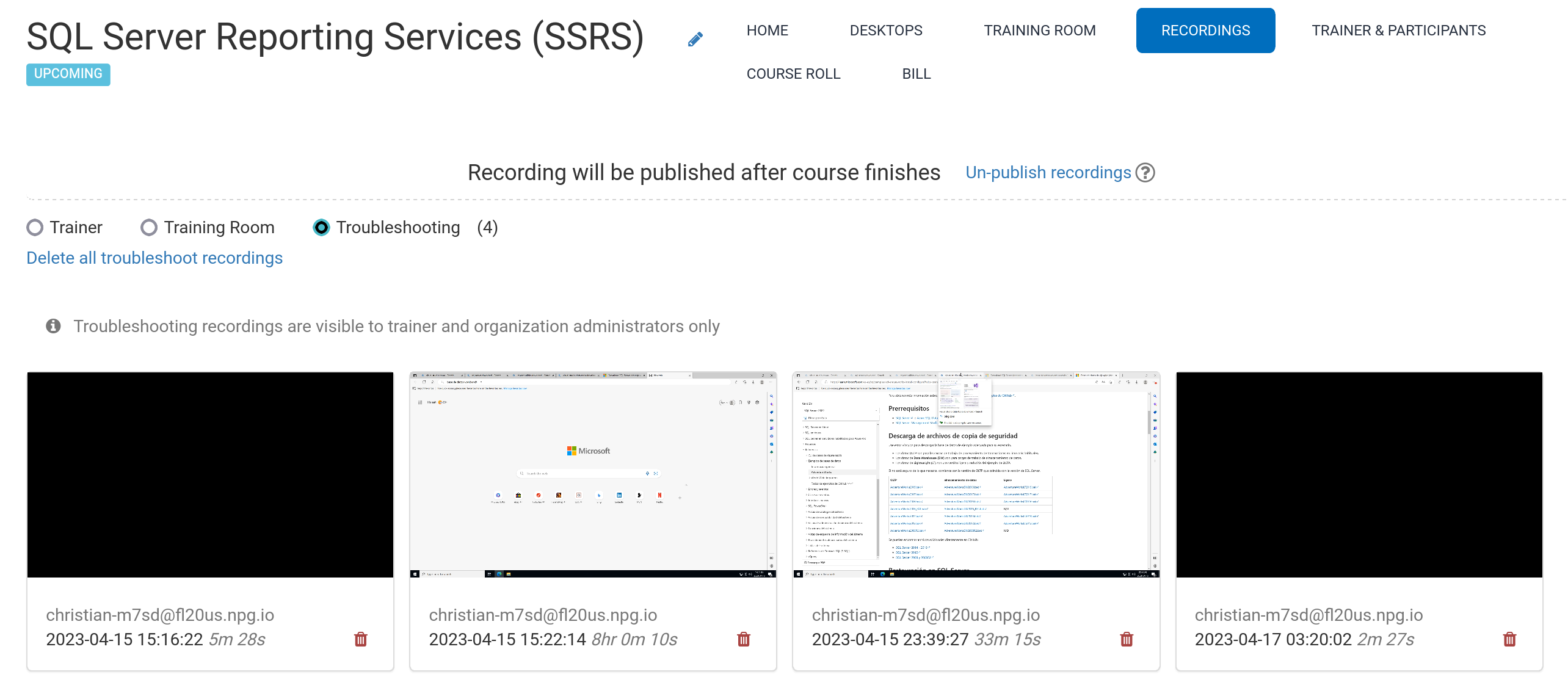
Automatic Course Recording (Trainer's Desktop)
Recordings of the Trainer's Desktop—or the Training Room, if utilised during the session—are captured automatically throughout the course.
Press the red button once more to stop the recording.
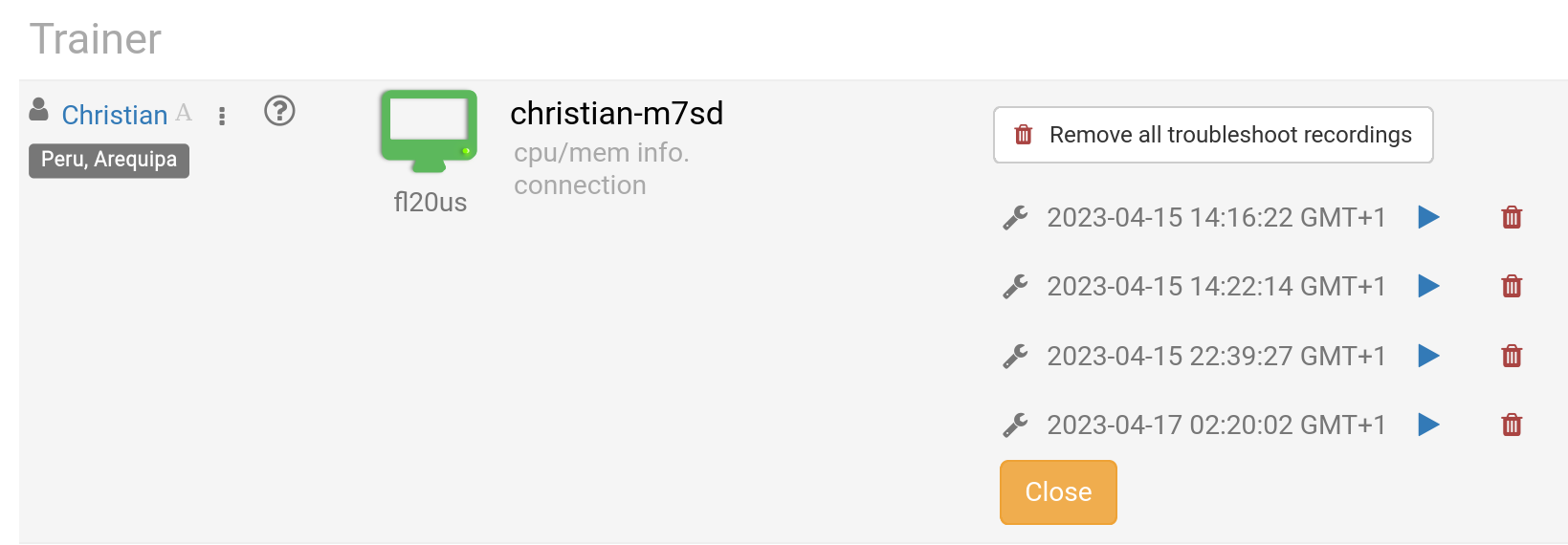
Trainers may delete recordings as needed. Troubleshooting recordings are also generated automatically during course preparation, but they are exclusively used for diagnosing any course setup problems, if required.
Go to the Recordings section to view your recordings. They are divided into three categories:
- Trainer
- Training Room
- Troubleshooting
Only Trainer and Training Room recordings can be shared externally.