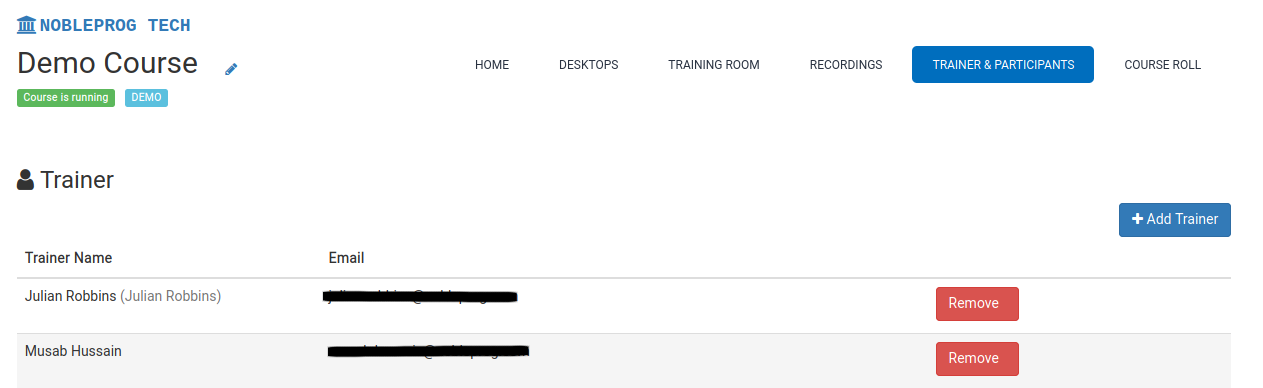
How to Add Trainers
DaDesktop supports having one or more trainers in its online courses.
You can assign trainers to a course using several methods:
- Sending email invitations to trainers
- Designating current members of your organisation
- Making any user a trainer (restricted to Super Administrators)
To add a trainer:
- Navigate to a course
- Select the Trainer & Participants tab