What are Fresh-Start, Trainer, Participant and Standalone Machines?
DaDesktop is an advanced training platform that provides accessible cloud machines for training courses, along with administration tools to easily manage the Desktop machines on each course.
To enable this, DaDesktop uses a number of similar but differing Desktop machine types to facilitate such courses.
Below are descriptions of the different machine types used.
Fresh-Start Machine
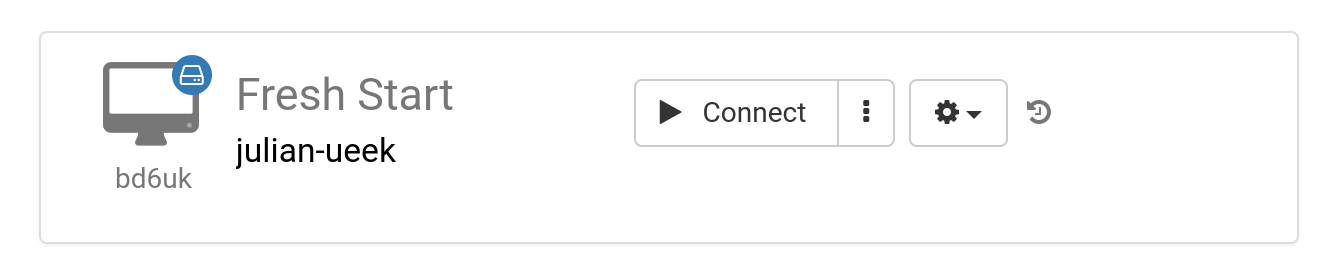
A 'Fresh-Start' is the DaDesktop machine on which the Trainer creates and develops their course material. Once complete, the Fresh-Start machine is copied to all Participants' Desktops, ready for the course they are taking. A Fresh-Start can be thought of as something like a 'Golden Image' that can be reverted to if problems occur on either the Trainer's or Participants' machines.
Trainer Machine
A 'Trainer' machine is used by the Trainer to present their course material to the Participants during the course. The state of this machine will differ from the Fresh-Start, as software applications and libraries related to the course subject will normally be installed, configured, and run by the Trainer(s) as part of the course.
If more than one Trainer is leading a course, there will be multiple Trainer machines.

Participant Machine
A 'Participant' machine is used by each participant during the course, where they can install, configure and carry out exercises under the supervision of the trainer.

Fresh-Start, Trainer and Participant machines are normally automatically deleted shortly after the course finishes. Therefore, another type of machine is available that is not linked to a course and can be kept for as long as necessary, called a 'Standalone'.
Standalone Machine
A 'Standalone' machine is a machine that is not necessarily used during a course itself. It 'stands alone' as a separate machine that can be used before or after the course ends, or simply used independently without reference to a course. The Standalone is particularly flexible in this respect.

Typical reasons for creating Standalone desktops include:
- Preparing training course material that can be reused repeatedly outside of a course itself, or kept for future use when needed.
- When you require a flexible machine with perhaps a different Operating System (Linux, Windows) to test out ideas in a safe environment.