Building from an OS Template
To build a new desktop from an OS template, follow these steps:
- Navigate to the course and open the Desktops menu
- Select "Create From OS Template"
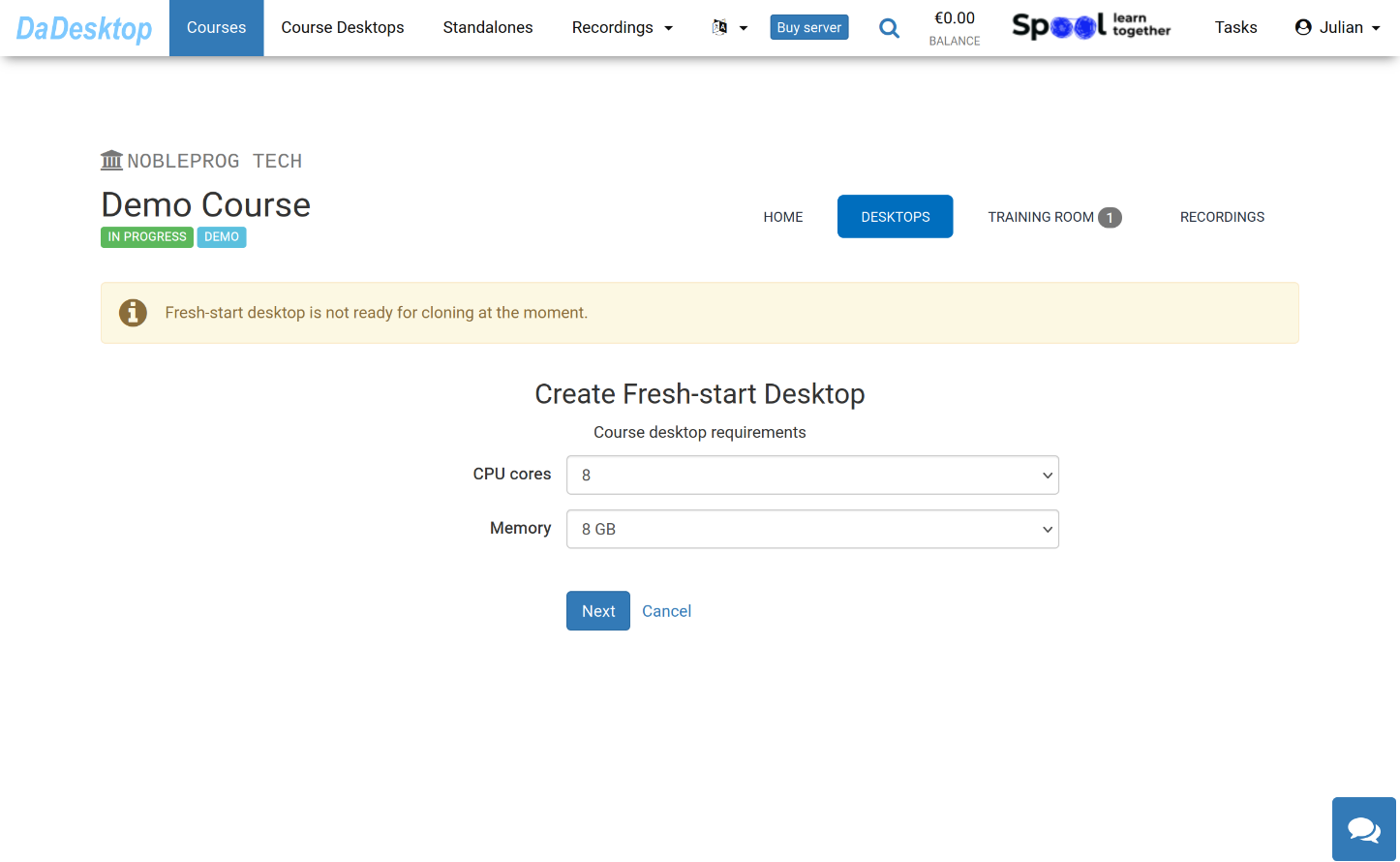
The available options for creating from an OS Template are displayed below:
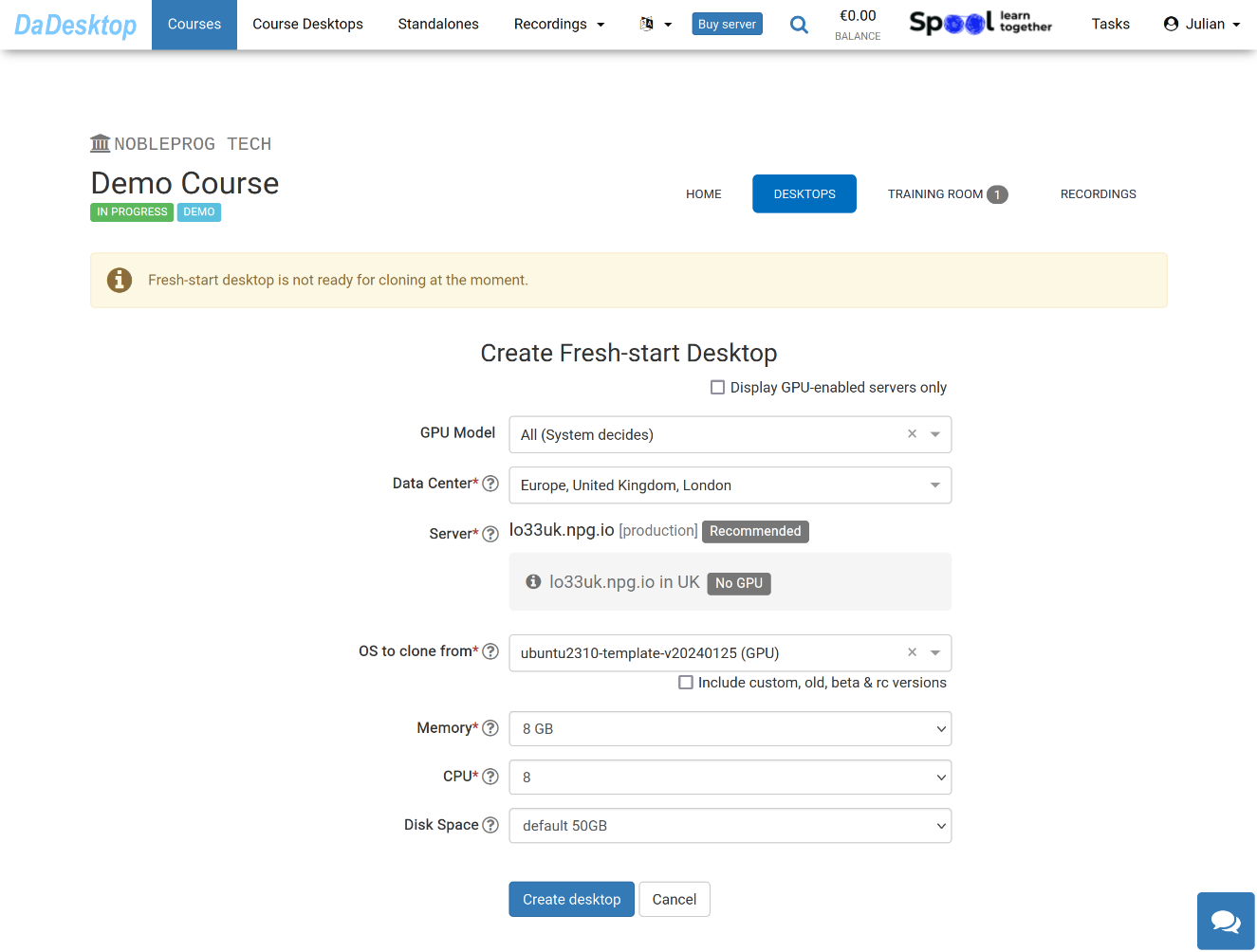
Here’s what each field represents:
-
GPU Model
Choose the GPU and type, if necessary. Selecting 'Display GPU enabled servers' will filter the list to only servers with GPUs. -
Datacentre / Server
Select the datacentre region and server that’s closest to your location in Portugal. -
OS to clone from
The available operating system templates include Windows, Linux (such as Ubuntu, Debian, Almalinux), and others. -
Include custom, old, beta & rc Versions
DaDesktop regularly updates templates. If you experience issues with the latest version, you can try an older one here. -
CPU
Select the number of CPU cores. The default of 8 cores is generally suitable for most common Linux and Windows needs. -
Memory
Set the memory limit in GB for the desktop. Bear in mind you’re bound by the server’s resources; each server may impose different memory caps. To increase these limits, contact us via Support Chat. -
Disk Space
Specify the disk space to be used. Default is 50GB.