Server Management
You can add or remove servers within your On-Premise or OEM DaDesktop cloud environment.
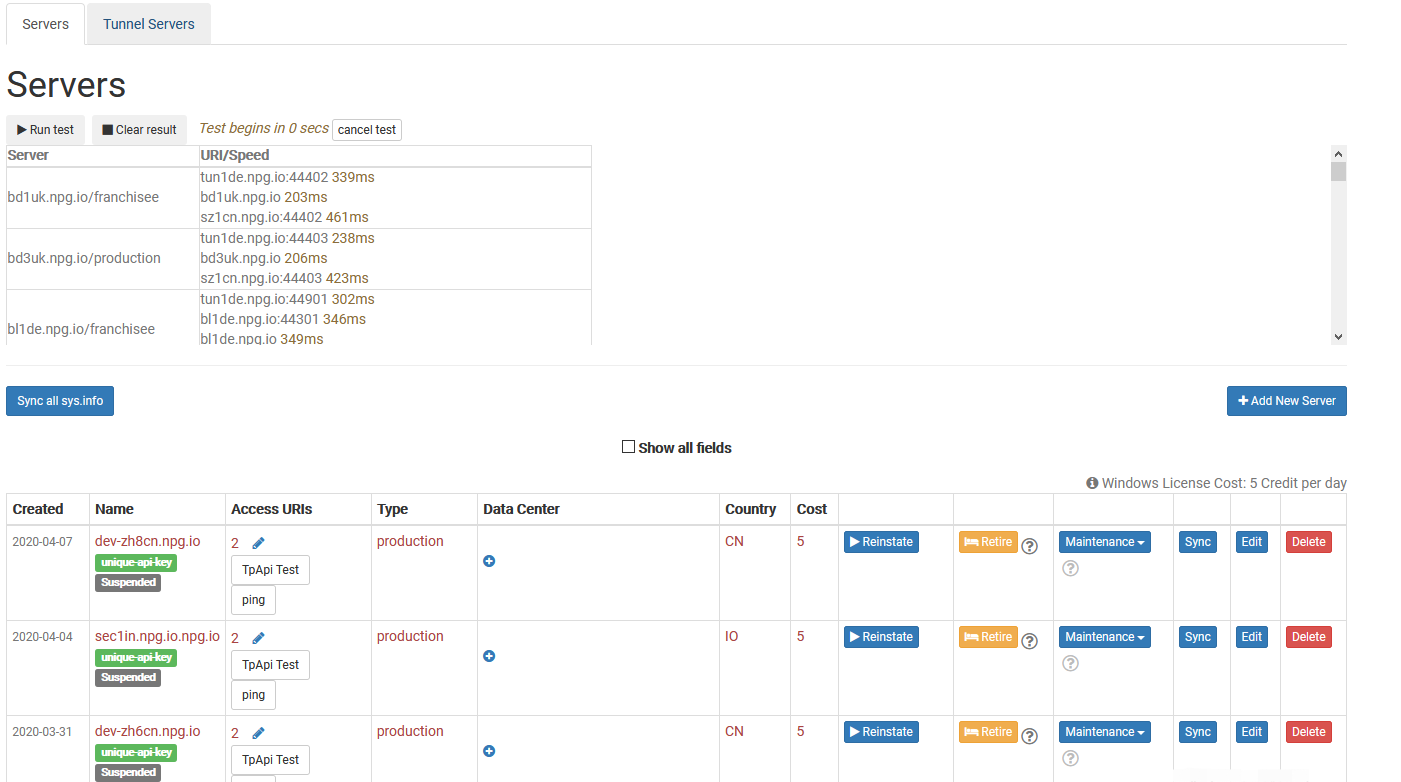
Sync All System Information
This function checks each server’s CPU, memory, and other parameters, updating the database accordingly. DaDesktop leverages this data to recommend servers to users, giving priority to those with higher resource availability.
After hardware upgrades, you can choose to sync all servers or only a specific one.
Keep in mind that if your number of servers exceeds 1000, this process could take a few minutes.
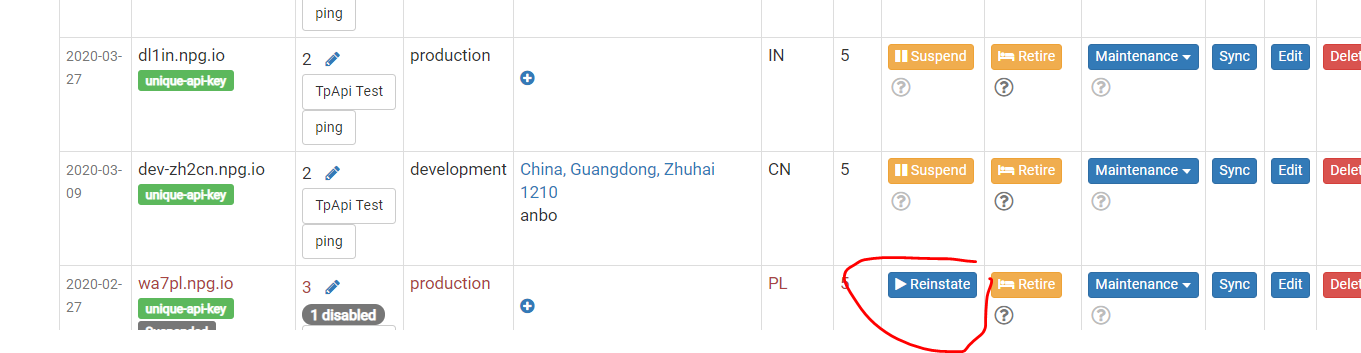
State Change (Suspend and Reinstate)
Suspend a server when it becomes unreachable. This prevents the DaDesktop GUI from checking the server’s state and that of its desktops.
You might use this option if a server is unavailable due to a malfunction.
Server Retirement
To phase out a specific server, you can switch it into retirement mode. This will prevent new desktops from being created on that server, although existing desktops can still be utilized or transferred to different servers.