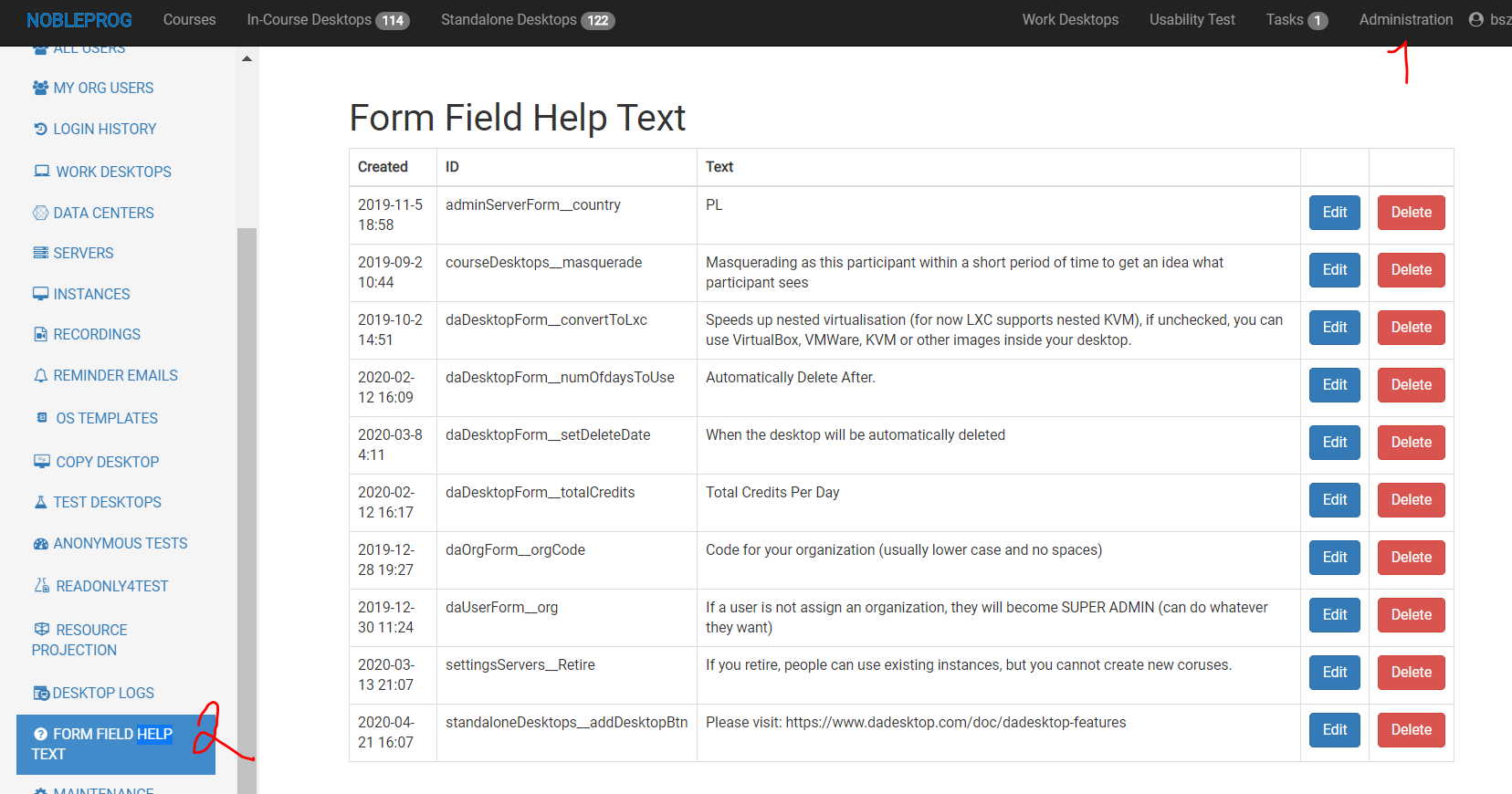
Managing Help Texts
Super administrators have the ability to edit help text, which is displayed whenever a user hovers over the question mark symbol.
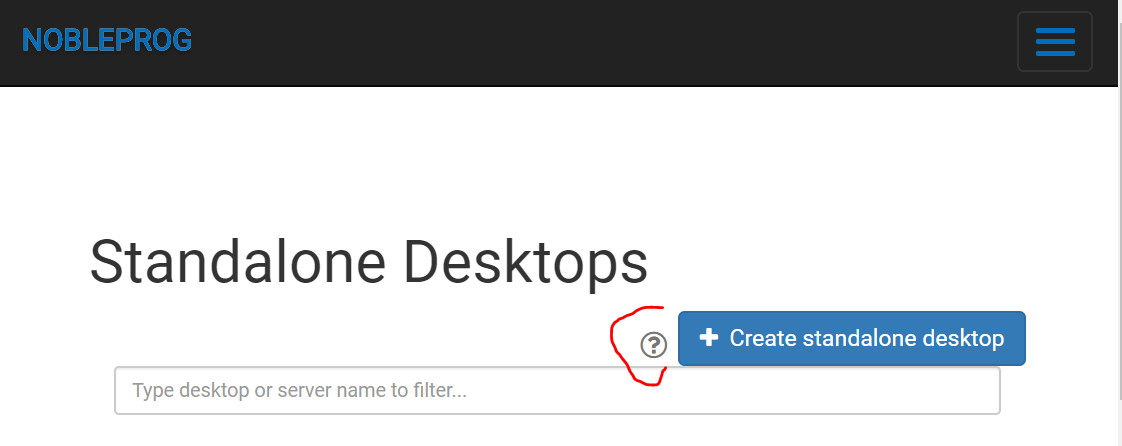
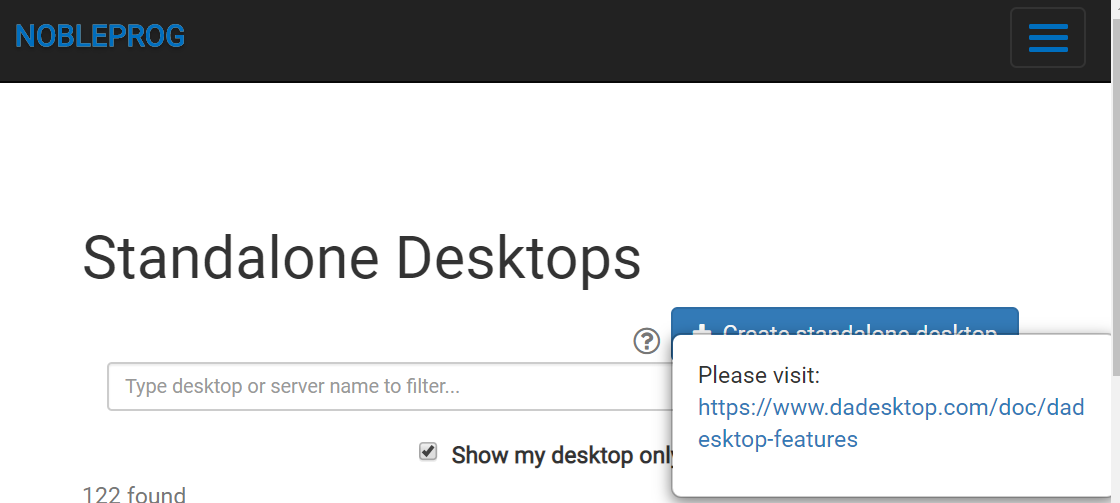
Specific Help Text
To edit a particular help text, simply click the question mark icon, and you'll be able to modify the corresponding text:
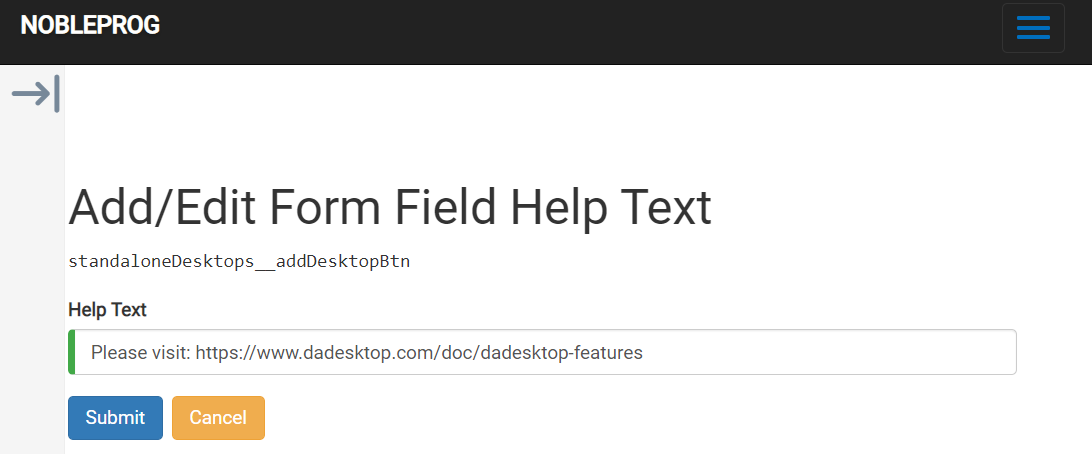
Any string that begins with https will automatically be converted into a clickable link.
Managing All Strings
Help Text lets you modify the text associated with specific labels within the system, helping users understand the purpose of each field.